

Campuscard
The Campuscard is the student and employee ID at HTW Dresden. It offers the following functions for all enrolled students and employees:
- User ID for the HTW Dresden library
- Payment in canteens and cafeterias operated by Studentenwerk Dresden (a common public student service organization)
- Visual personal identification at HTW Dresden, e.g. for exams or access outside regular opening hours
- Access medium for barriers, buildings and laboratories (partial)
Here you will find answers to frequently asked questions, information on how it works and contact options for questions or problems.
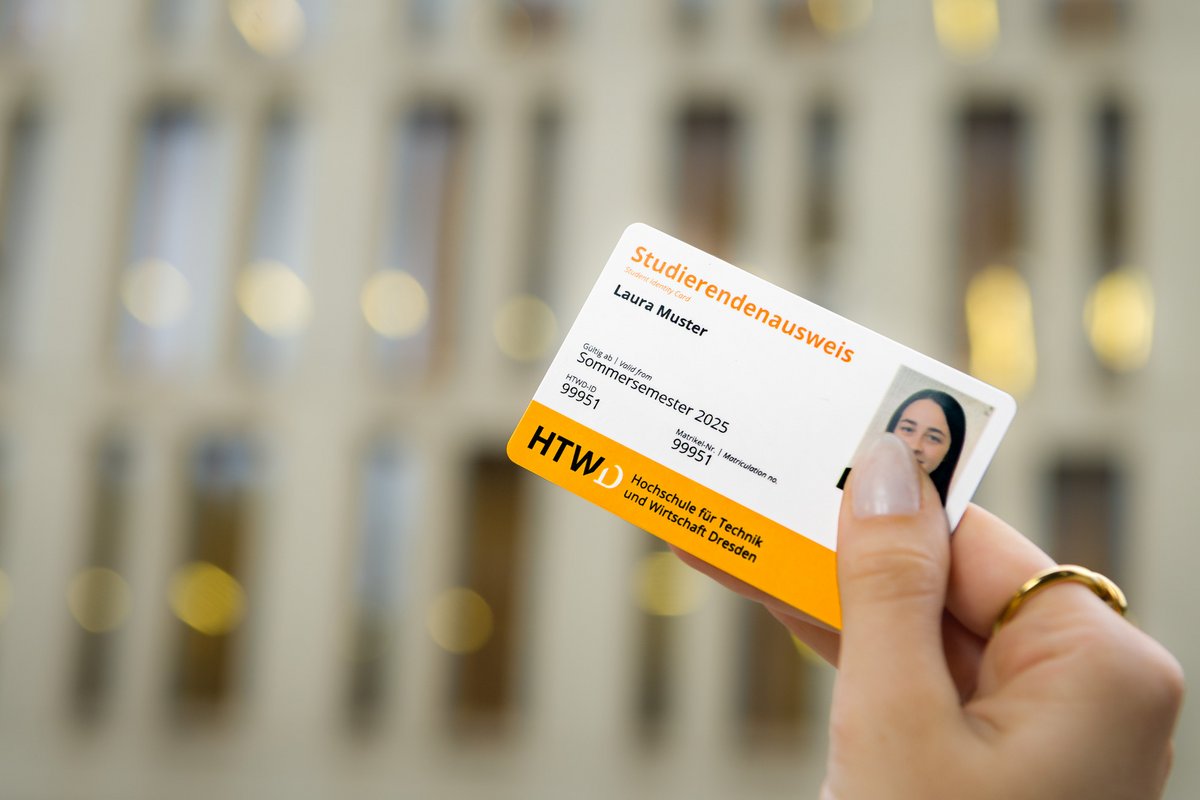
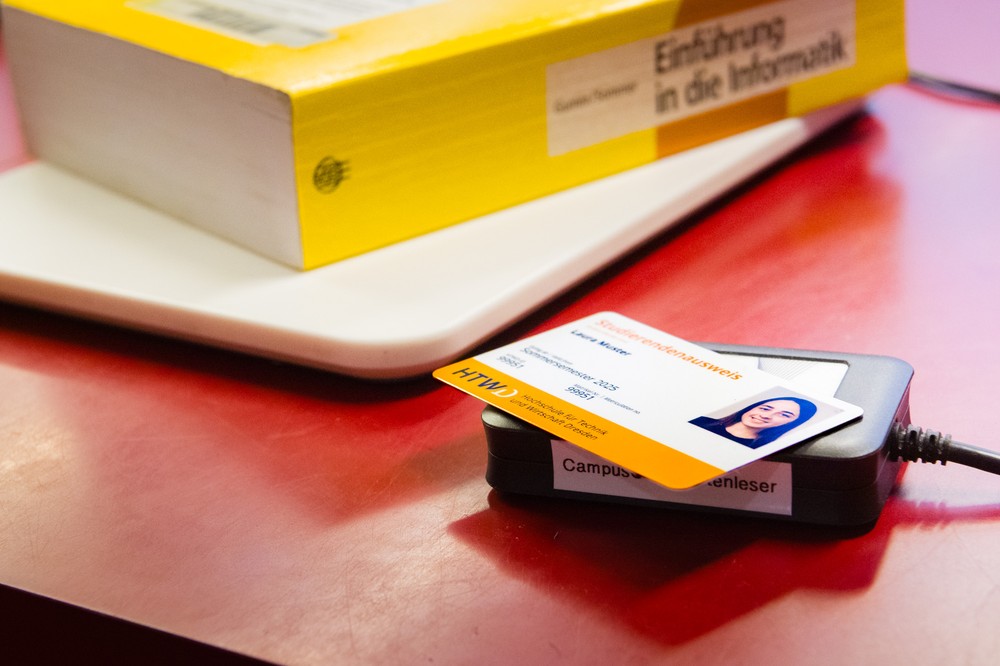
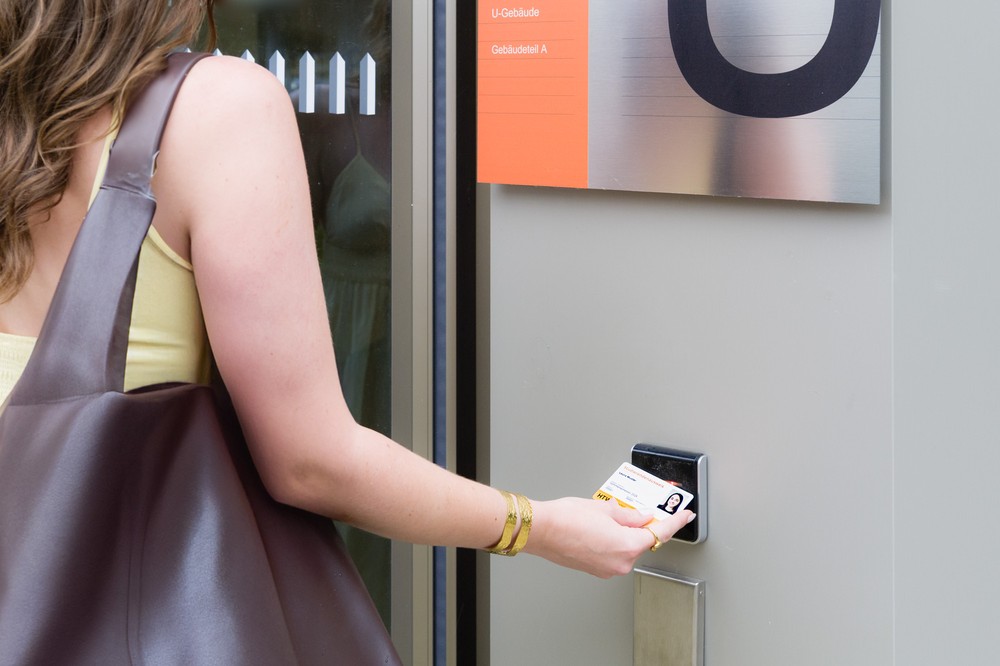
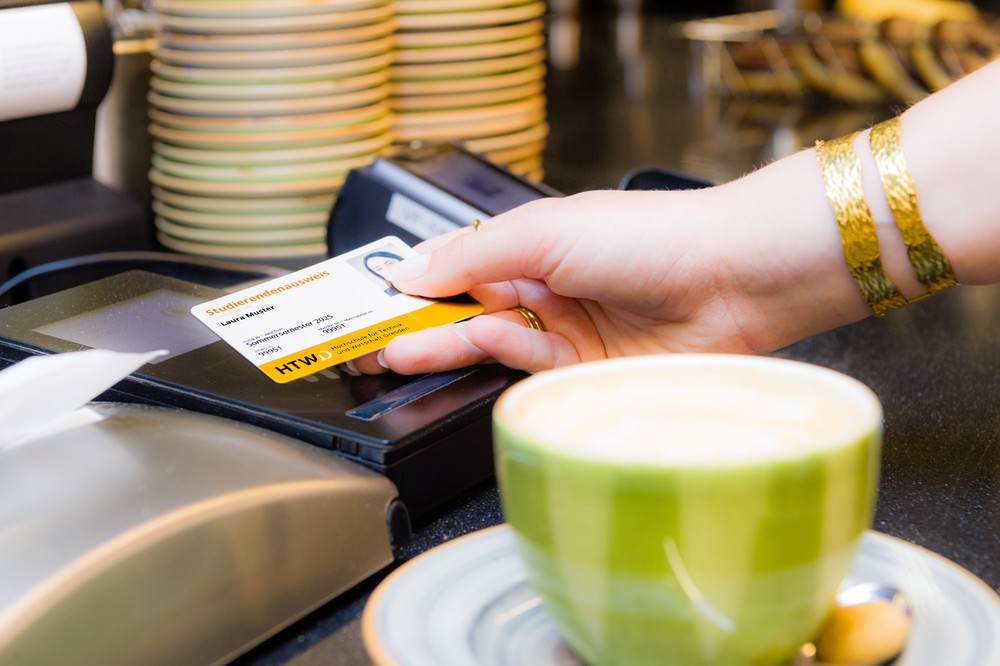
The new Campuscard at a glance
The new Campuscard is the follow-up to the HIT-Card, the previous student ID and employee card. In addition to the use of the latest chip technologies and modernisations in the background, the following innovations are associated with the Campuscard.
Payment function for canteens and cafeterias: the Campuscard now contains the payment function of the Emeal cards of the Studentenwerk Dresden. Before using the card for the first time, it must be charged with credit. Existing Emeal cards can be returned and credit can be paid out or transferred. Further information can be found at www.studentenwerk-dresden.de/mensen/bezahlen-emeal-campuscard.html.
HTWD-ID (formerly library number): is printed on the card and is a general identity code for HTW Dresden services. This ID was previously known as the ‘library number’ and is still used there as your library ID.
Validity: the new student ID is valid indefinitely until de-registration and does not have to be renewed at the terminal in the Z building after re-registration, as was previously the case.
Locking/unlocking: the Campuscard can be locked if lost to prevent misuse. As a student, please contact the Student Administration Office in person, by telephone or by e-mail to lock or unlock your card.
Always digitally with you in the HTWD app
The student ID is digitally also available in the HTWD mobile app - including the display of the current enrolment status. This can be used, for example, for any discounts on museum visits or cinema admissions (note: unfortunately, we still cannot guarantee acceptance outside the university).
Weitere Dokumente/ Antragsformulare finden Sie hier: https://www.htw-dresden.de/en/university/organisation/zid/campuscard
Questions and answers about the Campuscard
Payment function in the canteens and cafeterias
You can use your Campuscard cashless with the integrated payment function for offers in the canteens and cafeterias of Studentenwerk Dresden at a student or employee rate. You must charge your card with credit before using it for the first time. Further information can be found at www.studentenwerk-dresden.de/mensen/bezahlen-emeal-campuscard.html.
HTW Library
You can use your Campuscard to identify yourself in the library to borrow books at the ServiceDesk or, in future, at the self-checkout terminal (please note: the terminal is currently unavailable in the interim library).
Visual ID card
The Campuscard serves as a visual ID for identification at HTW Dresden, e.g. for examinations or access outside regular opening hours.
Access
The Campuscard can be used for access to...
- the buildings (external doors) and parking areas (barriers) on the main campus and on the Pillnitz campus, but not yet in the U-, LGS-, and A-building.
- the laboratory areas with appropriate authorisation.
The Campuscard is valid from enrolment for as long as you are a member of HTW Dresden. The Campuscard loses its validity upon de-registration and can no longer be used for the listed functions.
Any credit for the payment function in canteens and cafeterias can be paid out, further information can be found on the Studentenwerk Dresden website.
Locking and unlocking
- If you lose your Campuscard, it must be locked to prevent misuse by third parties, especially due to any credit balance on the Campuscard.
- To lock your Campuscard, please contact the Student Administration Office in person, by telephone or by e-mail.
- Once the Campuscard has been successfully locked, it will be automatically blocked at all points of use on the following day.
- If your Campuscard is found again, it can be unlocked by notifying the Student Administration Office. The unlocking will take effect the next day at all points of use. In urgent cases, you can immediately deactivate your Campuscard in person at the cafeteria and at the library.
Reissuing the Campuscard
- If you wish to reissue your Campuscard, please print out and complete the form for issuing a student ID card.
- Please come to the Student Administration Office during office hours. You will need to bring the completed application form and your EC card to pay the fee stated on the application form. If you are unable to pay by EC card, you can also pay in cash at the cash desk in Z822 (please note opening hours).
- If the Campuscard has a technical defect that you did not cause or if there is another reason that justifies a free reissue, please contact the Student Administration Office.
Students should contact the Student Administration Office.
The Campuscard contains the following data:
- Printed: Photo, name, HTWD-ID as well as, for students, matriculation number and the semester from which the Campuscard is valid
- Electronically: Payment function of Studentenwerk Dresden, HTWD-ID, card serial number, ID for access systems
Each Campuscard also has a unique serial number on the back, which you should ideally write down. You will need this, for example, to transfer credit from the Studentenwerk Dresden payment function to a new card if it is reissued.
The student ID card shows the start date of your current degree programme at HTW Dresden. You can use the digital student ID of the mobile HTWD app for displaying detailed information of your current semester.